开始(新项目)
全局安装
pnpm add -g @lark-org/lark-cli使用
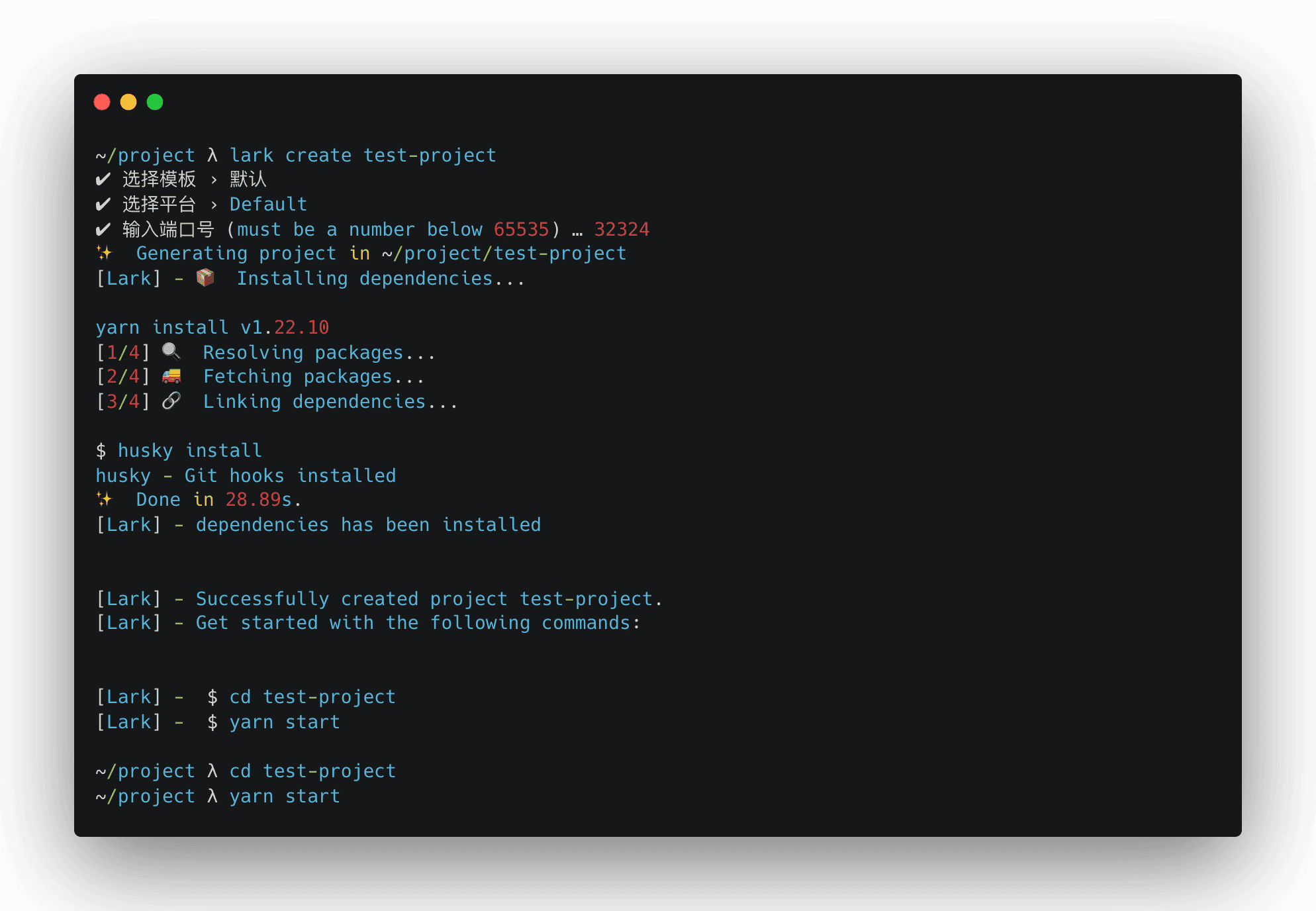
lark create <project - name>可选择控制台、移动端、普通网页项目模版
安装完成后,你可以打开项目目录:
cd test-projectScripts
在新创建的项目中,你可以运行一些内置命令:
Start
pnpm run start在开发模式下运行应用程序。 打开 http://localhost:32324 (opens in a new tab) 在浏览器中查看它。
如果你更改代码,页面将自动重新加载。 你将在控制台中看到构建错误和 lint 警告。
Lint
pnpm run lint执行项目内 lint 检查与格式校验,包含所有的 js 和 css 文件
Build
pnpm run build将生产环境的应用程序构建到 dist 目录。 它能将 React 正确地打包为生产模式中并优化构建以获得最佳性能。
构建将被压缩,文件名中将包含哈希。
这样你的应用已准备好部署了。
演示
开始(旧项目)
安装脚手架
pnpm add -D @lark-org/lark-cli创建Lark配置文件
     my-app
     ├── node_modules
   + ├── lark.config.js
     └── package.json
更新 package.json 下 scripts
   "scripts": {
   -  "start": "react-scripts start"
   +  "start": "lark start"
   -  "build": "react-scripts build"
   +  "build": "lark build"
   }
启动或构建
pnpm run startpnpm run build项目结构
.
├── babel.config.js
├── commitlint.config.js
├── jest.config.js
├── jsconfig.json
├── lark.config.js
├── package.json
├── prettier.config.js
├── public
├── src
│   ├── App.tsx
│   ├── components
│   │   ├── loadable
│   │   │   ├── Loadable.tsx
│   │   │   ├── index.tsx
│   │   │   ├── loadWithInitialProps.tsx
│   │   │   └── shared.ts
│   │   ├── page-failed
│   │   │   ├── error-animation.json
│   │   │   ├── index.tsx
│   │   │   └── style.scss
│   │   └── page-loading
│   │       ├── animate.json
│   │       ├── index.tsx
│   │       └── style.scss
│   ├── constants
│   │   ├── api.ts
│   │   └── index.ts
│   ├── globals
│   │   └── history.ts
│   ├── index.html
│   ├── index.tsx
│   ├── pages
│   │   ├── index
│   │   │   ├── page.tsx
│   │   │   └── style.scss
│   │   └── playground
│   │       ├── page.tsx
│   │       └── style.scss
│   ├── routes
│   │   └── index.tsx
│   ├── style
│   │   ├── index.scss
│   │   └── typeface.scss
│   └── utils
│       └── lottie.ts
├── stylelint.config.js
├── tsconfig.json
├── types
│   ├── custom-typings.d.ts
│   └── index.d.ts
└── yarn.lock